Design preview v2 Working prototype. The voice is your browser's own; the real build uses a live AI voice. Screens are sample data.
Hi, I'm Vela. Tell me who you sell to and I'll show you Adapt using businesses like your customers.
Live walkthrough · about 8 minutes

See how Adapt would find your next customers.

Vela, one of the Adapt agents, shows you the product and answers your questions as you go. Nothing is sent to anyone during the walkthrough.

Vela · Adapt guide  Voice and chat ready now

Vela is an AI agent and can make mistakes. We keep the transcript so Ibby or Grant can follow up. Privacy

Prefer to talk to a person?
Live with Vela
Vela
Sample data · the real app

00:00·Starting
Built from your walkthrough

Sam, your first campaign is ready to check.

Sent
How it works · in plain English

One agent does the first meeting. You and Grant pick up from there.

A visitor clicks "Watch Vela show you" on the website or an ad. Vela runs the walkthrough on a copy of Adapt filled with sample data, asks the questions you would ask, and answers theirs from material you've approved. When it ends, the session lands in the CRM as a deal with a summary. The visitor either starts free with their search ready, or books a call with one of you.

The visitor's journey

1

They arrive

From the website, a Facebook or Google ad, or a link you send. The link remembers where they came from.

website?utm_source=facebook
2

They say who they are

First name and work email. They choose to talk or to read and type.

Lead captured here
3

Vela asks

What they sell, who to, how they find customers now, and how much of their week it takes.

SPIN questions
4

Vela shows

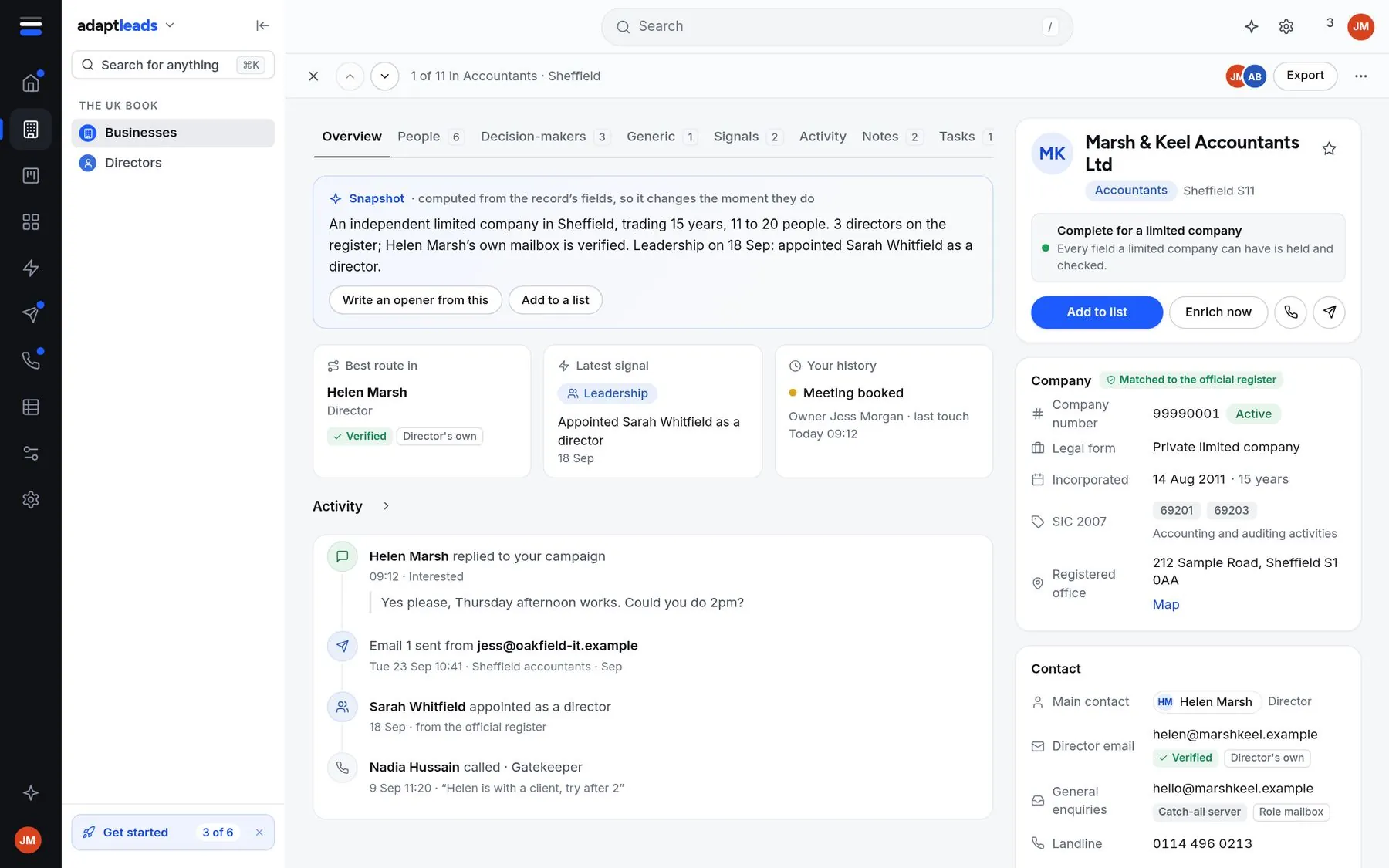
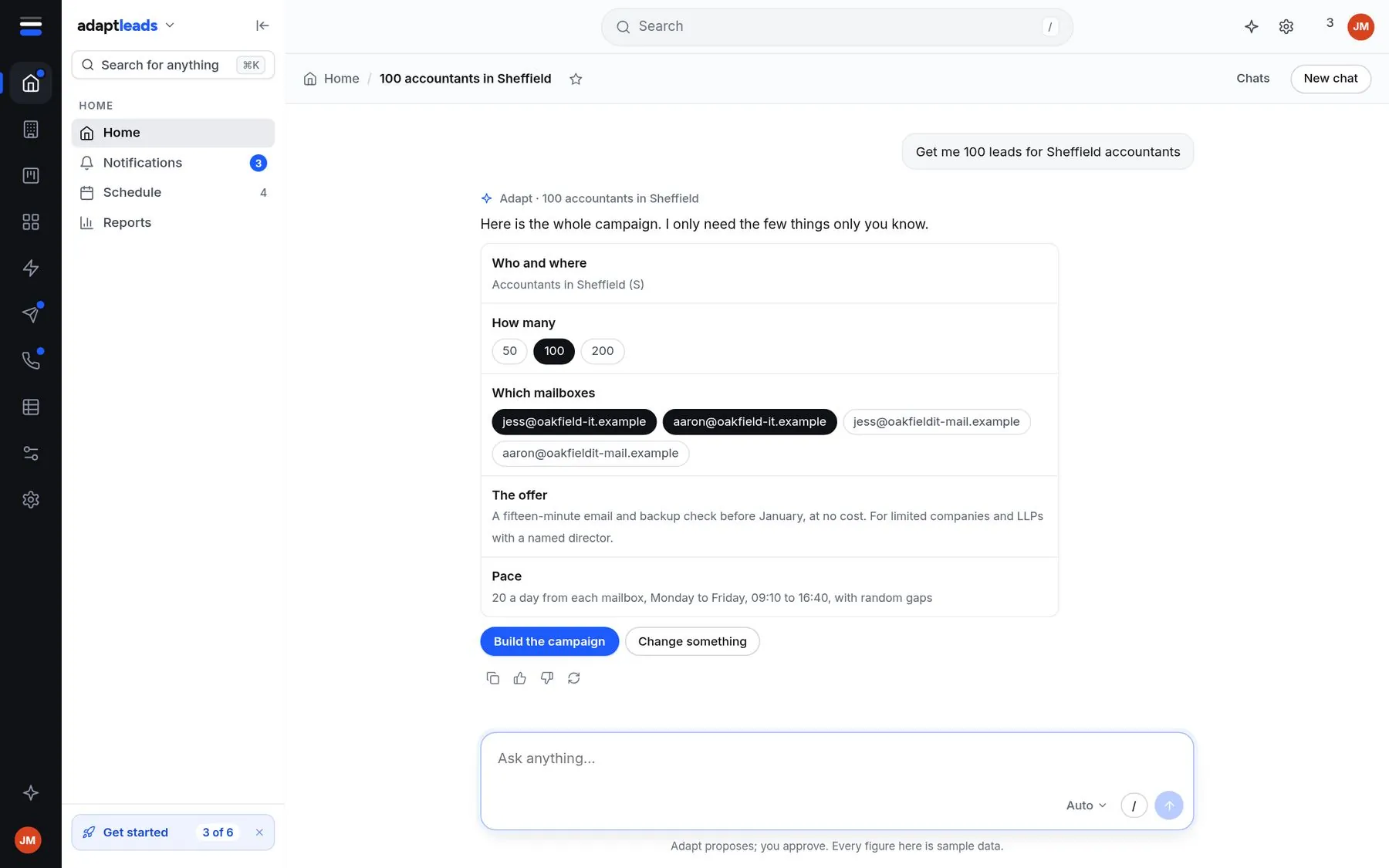
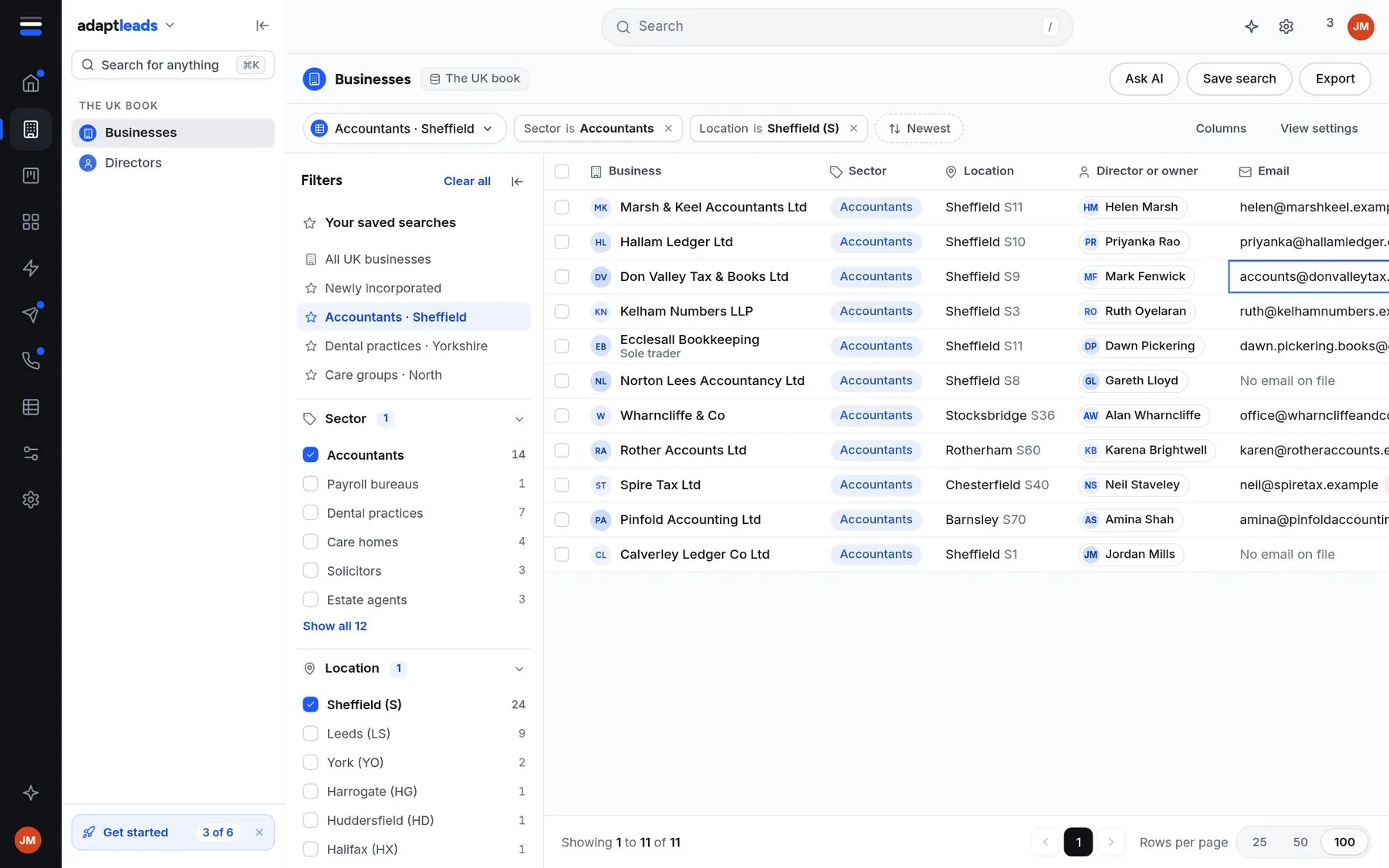
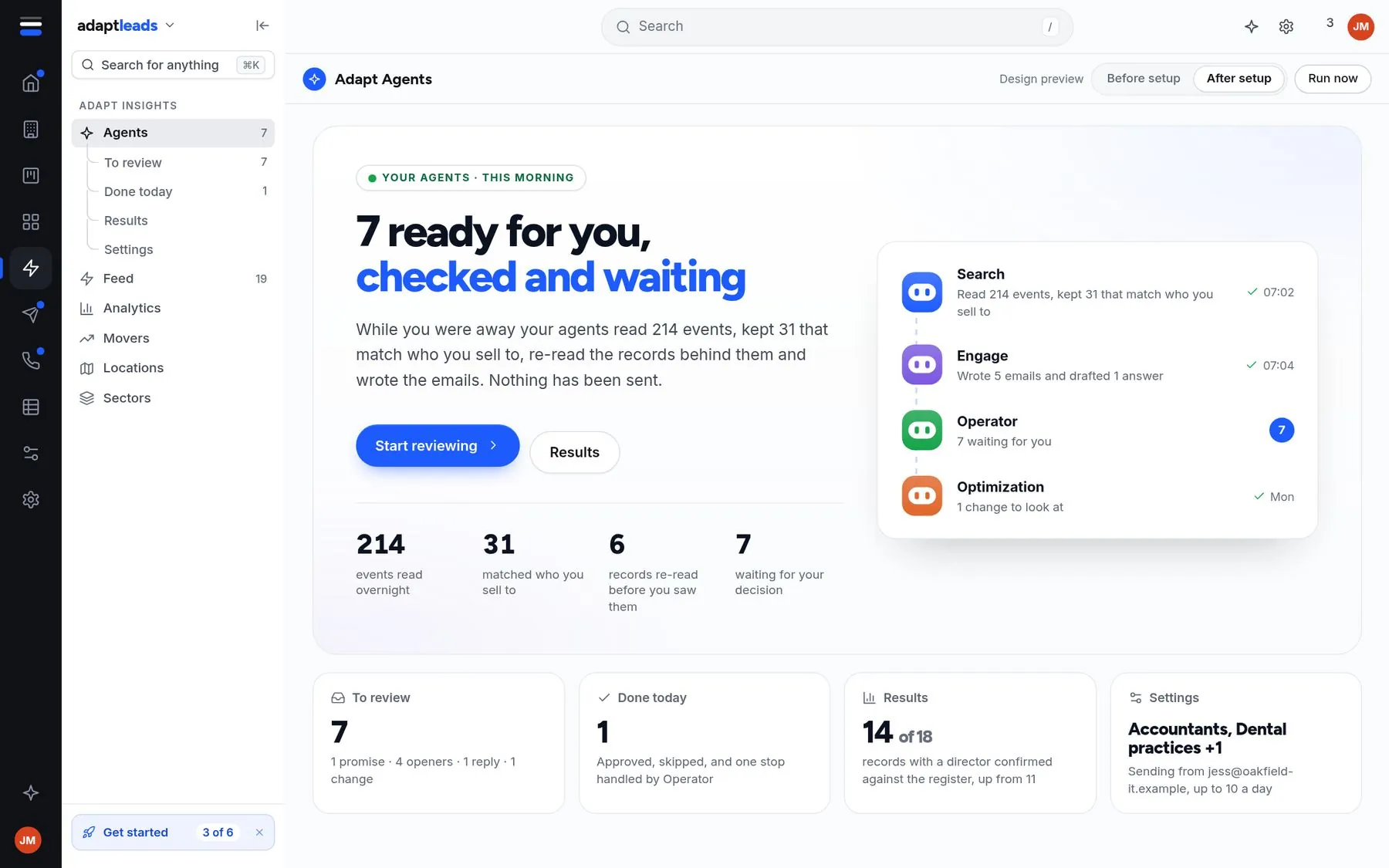
Their kind of market, a record with its checks, a campaign asked for in plain English, and the agents' morning.

sample app
5

They choose

Start free with their search already set up, or book 15 minutes with Ibby or Grant.

Start freeBook a call
6

You follow up

A deal in the CRM with the summary, answers and transcript. They get a recap by email.

CRM dealemail recap

What runs where

This split keeps the voice fast. Nothing Vela does on screen waits for our server.

In the visitor's browser

Instant. No waiting on anything.

  • The stageA copy of the Adapt app filled with sample data. It already exists and runs the homepage tour.
  • Vela's handsGo to a screen, point at something, highlight it, click it, type into it. Each takes milliseconds.
  • Mic, captions, buttonsThe visitor can talk, type, pause or end at any time.

The voice model

Listens and talks. The same family as ChatGPT voice.

  • Loaded before the call startsThe script, approved answers, questions to ask and rules. It never has to go and look things up.
  • Uses Vela's handsIts tools are the browser actions on the left, so the screen moves while it talks.
  • Can be interruptedIf the visitor talks, it stops and listens.

Our server

Only things that can happen in the background.

  • Opens the sessionA short-lived voice key, rate limits and a daily cap.
  • Saves as it goesAnswers, transcript, chapters reached, questions asked.
  • When it endsWrites the summary and fit, creates the CRM deal, sends the recap, books the call and alerts you.

Why this won't feel like Vela does today

Today, when you ask Vela something by voice, the voice model hands your request to a second, slower model that runs a full agent turn on our server: searches, counts, drafts. The voice has nothing to say while it waits, so it goes quiet or drops. In the walkthrough, everything Vela needs is loaded before the call starts, and everything it does on screen happens in the browser, so there is nothing to wait for. We'll confirm today's cause from the voice logs in the first sprint.

What it never does

Hard rules, not settings.

  • Touch real customer data
  • Send an email or touch LinkedIn
  • Promise accuracy, results or prices it hasn't been given

What you and Grant manage

Everything under "Your side". Changes save as a draft and go live only when you press Publish.

Walkthrough script

Chapters and steps: what Vela says, which screen, what to point at, what to ask.

chapter → step → say · show · ask
Questions and fit

What Vela must find out, where it's saved, and what makes a good fit.

question → field → fit rule
Knowledge

Web pages, help articles and approved answers it can draw on.

source → read → readiness score
Rules

Topics to avoid, competitors, words it must never use, when to hand to a person.

rule → always applies
Hand-offs

Start free, book a call, email recap, CRM deal, alert to you.

when → then
Look and voice

Intro screen, voice, pronunciations, call length, talk or type.

settings
Sessions

Every walkthrough: who, answers, transcript, how far they got, result.

session → deal in CRM
Unanswered questions

What Vela couldn't answer, grouped, with a one-click fix.

question → approved answer

The weekly loop (about 20 minutes)

1 · Read the hot sessions

Sort by fit. Read the summaries of anyone who booked or asked about price.

2 · Close the gaps

Answer the questions Vela couldn't. Each answer becomes an approved answer.

3 · Fix the drop-off

Where do people leave? Shorten or reorder that chapter.

4 · Publish

Check readiness, publish, and the next visitor gets the better version.